【python】OpenCVで画像処理(グレースケール、二値化、平滑化(ぼかし))
Python-OpenCV
pip install python-opencv
python版のopencvのライブラリをインストールしておく。
画像
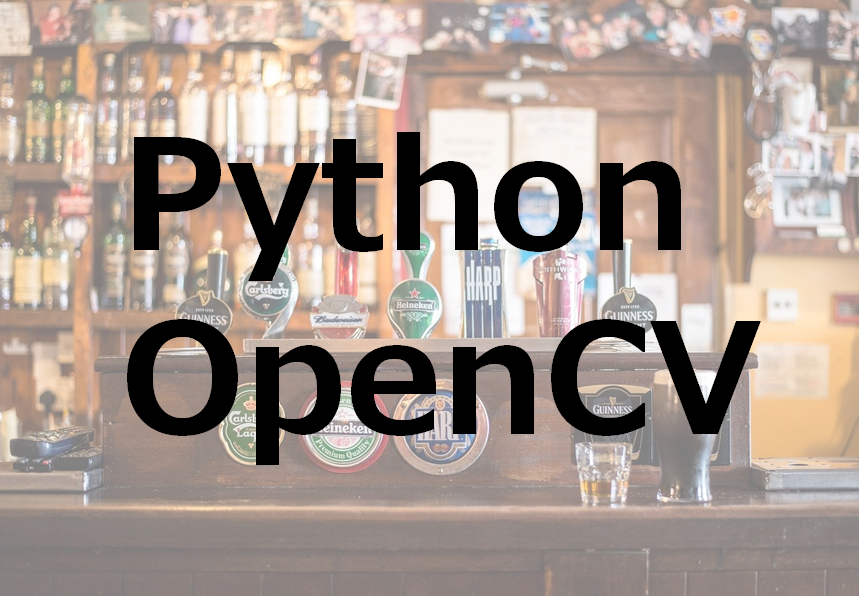
画像を表示する。
import cv2

# 画像選択
img = cv2.imread('sample.jpg')

# 画像表示
cv2.imshow('OpenCV', img)  # 表示
cv2.waitKey(0)
cv2.destroyAllWindows()  # 閉じる
グレースケール
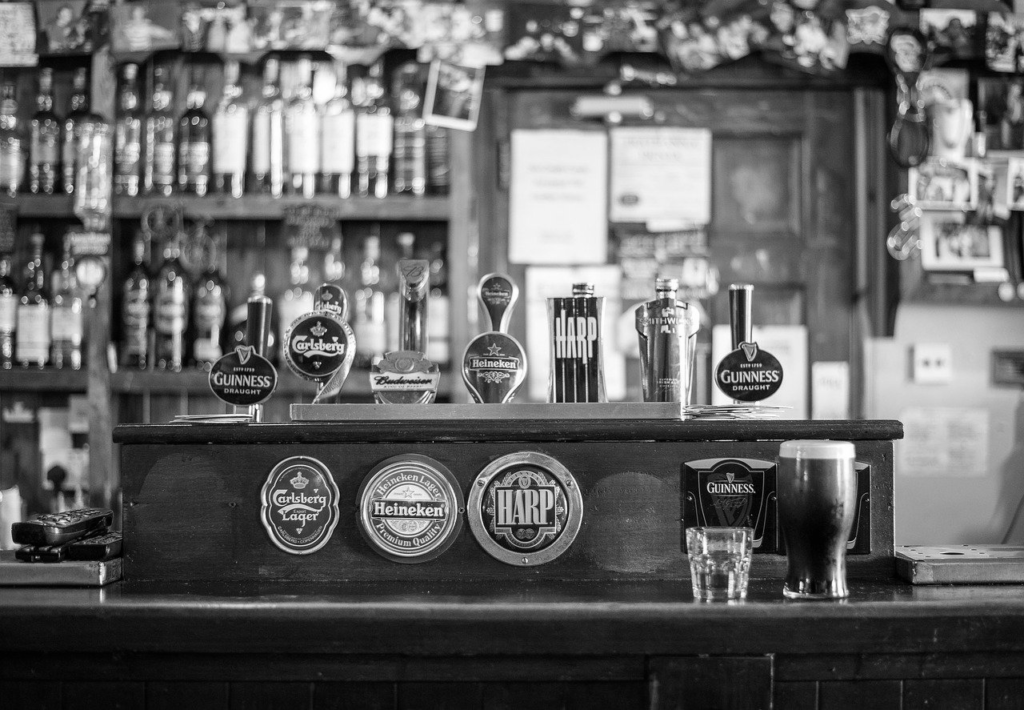
# グレースケール変換
img_gray = cv2.cvtColor(img, cv2.COLOR_BGR2GRAY)
print(img_gray.shape)
cv2.imshow("sample008", img_gray)
cv2.waitKey(0)
cv2.destroyAllWindows()
二値化
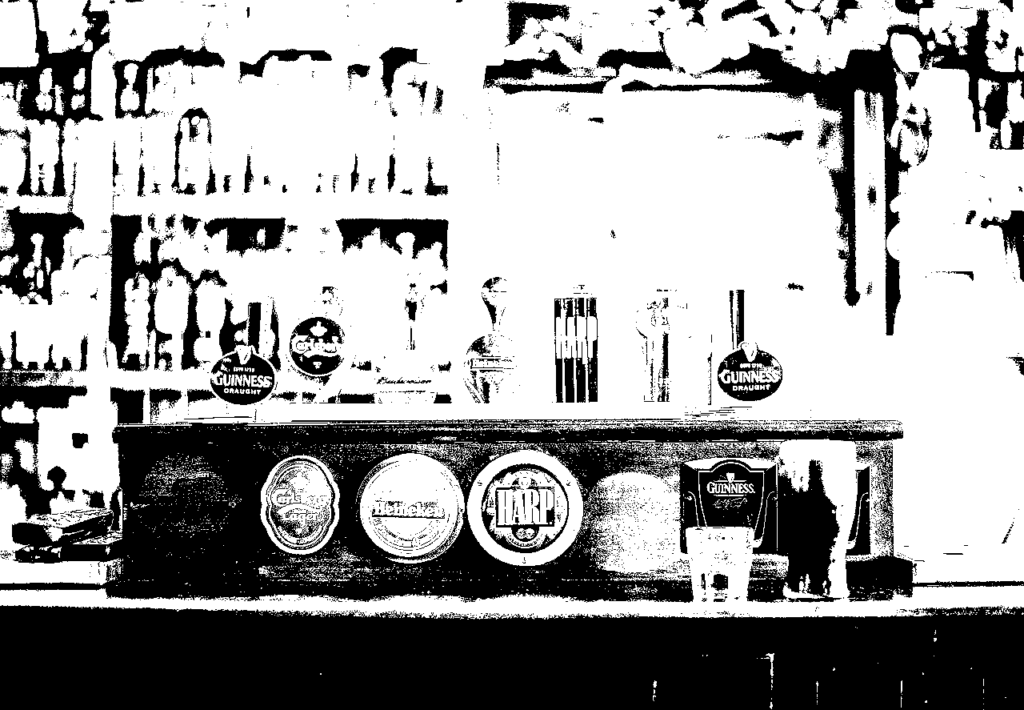
画像処理で二値化は文字認識や、色認識などで頻繁に使うと思う。
# 二値化
th, img_th = cv2.threshold(img_gray, 60, 255, cv2.THRESH_BINARY)
print(img_th.shape)
print(th)
cv2.imshow("sample010", img_th)
cv2.waitKey(0)
cv2.destroyAllWindows()
ぼかし(平滑化)
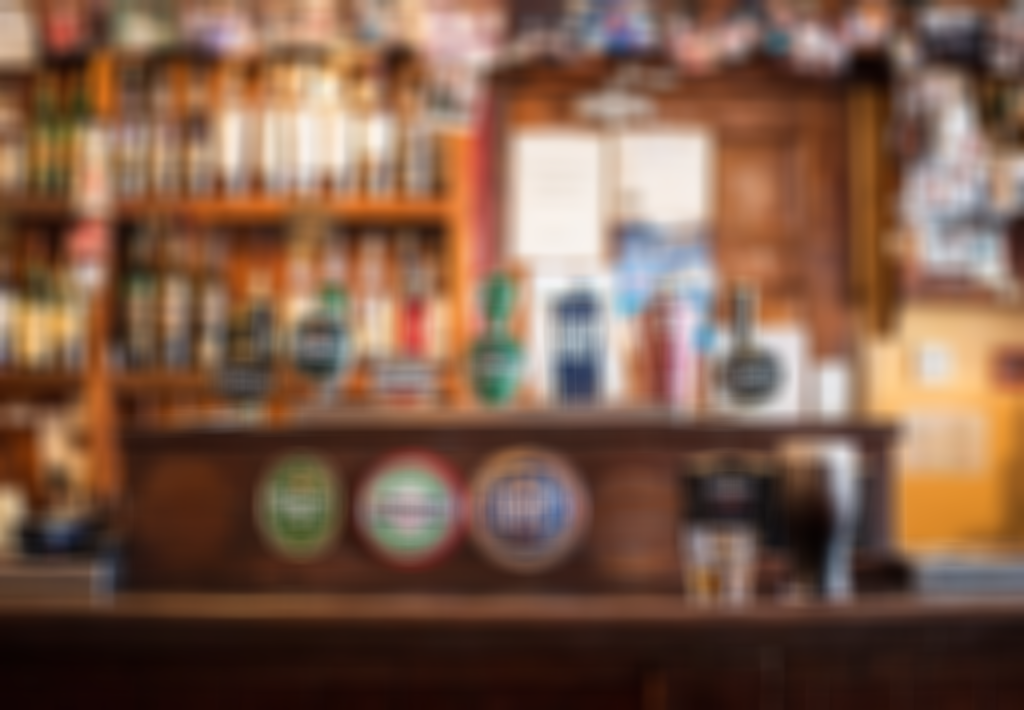
ぼかし処理をするとき、平滑化処理を行います。モザイクを施したいときに使う方法です。
# 平滑化(ぼかし)
img_smoothed = cv2.blur(img, (30, 30))
print(img_smoothed.shape)
cv2.imshow("sample011", img_smoothed)
cv2.waitKey(0)
cv2.destroyAllWindows()