【python】OpenCV_画像処理(描画、保存)
Python-OpenCV
pip install python-opencv
python版のopencvのライブラリをインストールしておく。
画像
画像を表示する。
import cv2

# 画像選択
img = cv2.imread('sample.jpg')

# 画像表示
cv2.imshow('OpenCV', img)  # 表示
cv2.waitKey(0)
cv2.destroyAllWindows()  # 閉じる
テキスト描画
画像上にテキストを描画する方法。
# テキスト描画
text = 'BAR OSAKE'
xy = (70, 200)
font = cv2.FONT_HERSHEY_COMPLEX
font_scale = 6  # 文字の大きさ
color = (255, 0, 0)  # テキストカラー
thickness = 4  # 線の太さ

img_text = cv2.putText(img.copy(), text, xy, font, font_scale, color, thickness)
cv2.imshow("sample012", img_text)
cv2.waitKey(0)
cv2.destroyAllWindows()

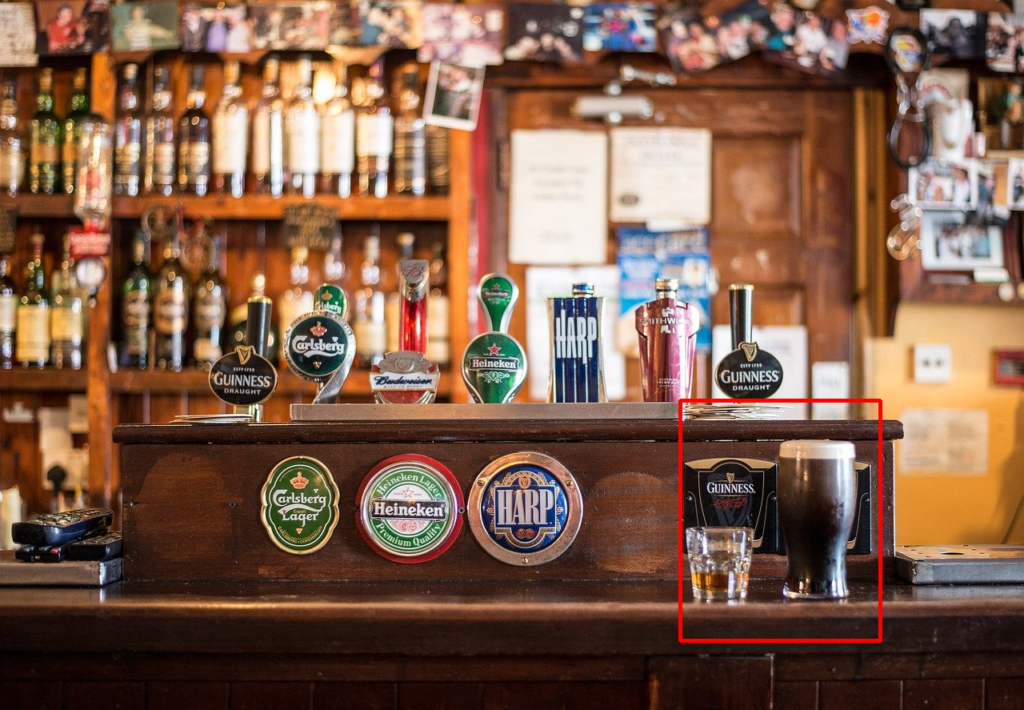
四角形描画
画像内に四角形を描画する方法。
# 四角形描画
x0, y0 = 850, 500
x1, y1 = 1100, 800
color = (0, 0, 255)
thickness = 3

img_rect = cv2.rectangle(img.copy(), (x0, y0), (x1, y1), color, thickness)
cv2.imshow("sample011", img_rect)
cv2.waitKey(0)
cv2.destroyAllWindows()
画像保存
画像を保存する方法。
# 画像保存
cv2.imwrite('sample_img.png', img)









最近のコメント